Teaching

NearPod for iPad: Revolutionise presentations and AFL in the classroom

Students watching a video

Students watching a video

Today I tried out the NearPod App in a PSHE lesson.

I have pretty excited about this for a while and I have finally got around to testing it in the classroom.

For those who don’t know what NearPod is – check out this link.

So before the lesson I created my PowerPoint, converted it to PDF, uploaded it to NearPod and added the interactive elements (polls, quizzes and video). I had enough iPads for each student in class, which was perfect. However, this morning I was asked if I could have another class in my room with me. I only teach PSHE in half classes, but the added students meant I would have one iPad between two. It turns out, this wasn’t a massive problem, although less than ideal.

Once the students came in, I handed out the iPads and explained what would happen in the lesson. The topic I am working on at the moment is the death penalty. NearPod allows you to send a presentation directly to the students iPads.

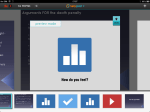
NearPod was great and the ability to guide students through the presentation, while walking around the classroom was excellent. Of course the power comes from the interactive elements of the presentation. I was able to ask the students if they agreed with the death penalty by sending a poll to their iPads. The results came to my device and I was able to share the overall results with the students at the push of a button.

We then looked at why people do/don’t agree with the death penalty. Once we had done that and had a clash discussion, I then sent a quiz to their iPads. Again, I could share the overall results with each studemt. However, the students can see their own individual results on their iPads.

The ability to do this is great for AFL. You can also export the results and keep them on record.

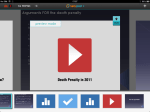
Finally, I had embedded a video in the presentation.

I shared the video to their iPads. Every student was able to watch the video, on their iPads, at the same time. Excellent!

Apart from a few issues with WiFi on a couple of the iPads, NearPod worked perfectly. The students were engaged and really enjoyed using it. I can really see how great this is for teaching and learning.

The Biology department plan to use NearPod in lessons after half term. I’m looking forward to seeing how they get on.

I will post a video of a NearPod presentation soon, so those who have not seen it can see it in action.

Mr Britland’s Open Source KS3 Computing Curriculum V3: 2014-2015 – (Free PDF)

I have been working very hard over the last few months producing my new Computing curriculum and it is finally ready.

Details below:

Feel free to download and use this curriculum. If you use this booklet, its projects or ideas and would like to make a donation for its continuing development, please use the link provided. I would like to keep giving this document away for free so any donation would be amazing. Please click to be redirected to my donation page.

Thanks for your support.

Matt

This is now version 2 – DOWNLOAD HERE

V2

I have added / amended the following:

  • Amended strand descriptors.
  • Added a new ‘How to use this Booklet’ section
  • New section on what software and websites are used, including free alternatives to paid software
  • Amended ‘Visual Programming: Kodu’ (Year 7)
  • ‘Computer Hardware/History’ project now called ‘How a computer works/computing history’ and now includes software. It is now taught in Year 7
  • Added ‘The Web: HTML5 and CSS3’ (Year 8)
  • Added ‘Networks’ (Year 8)
  • Added ‘Google and Algorithms’ (Year 9)

End products have changed for the following projects:

  • Stay Safe Online – Online guide using Snapguide
  • Visual Programming: Kodu – Screencast using Screenr
  • Your Digital World – Online presentation using slide.es

In Development

  • New creative projects
  • How to use an iPad to teach this curriculum

If you would like some help with creating your own resources or would like me to produce any educational publications, please visit www.realiselearning.co.uk.

Our new Raspberry Pi and Python Club (Links to the resources I am using included)

Hello World

Hello World

Over the past two Wednesdays we have finally been able to start up our programming club.

We only have enough room for a few students at the moment, but we will review at Easter.

The Raspberry Pi’s have been fantastic, they have really made difference. Our students have really enjoyed setting them up and connecting everything together. It has a old school feel about it. Its exciting and really engaging.

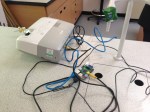
We have been using projectors, but I finally have some monitors. In the club we will use a combination of the both.

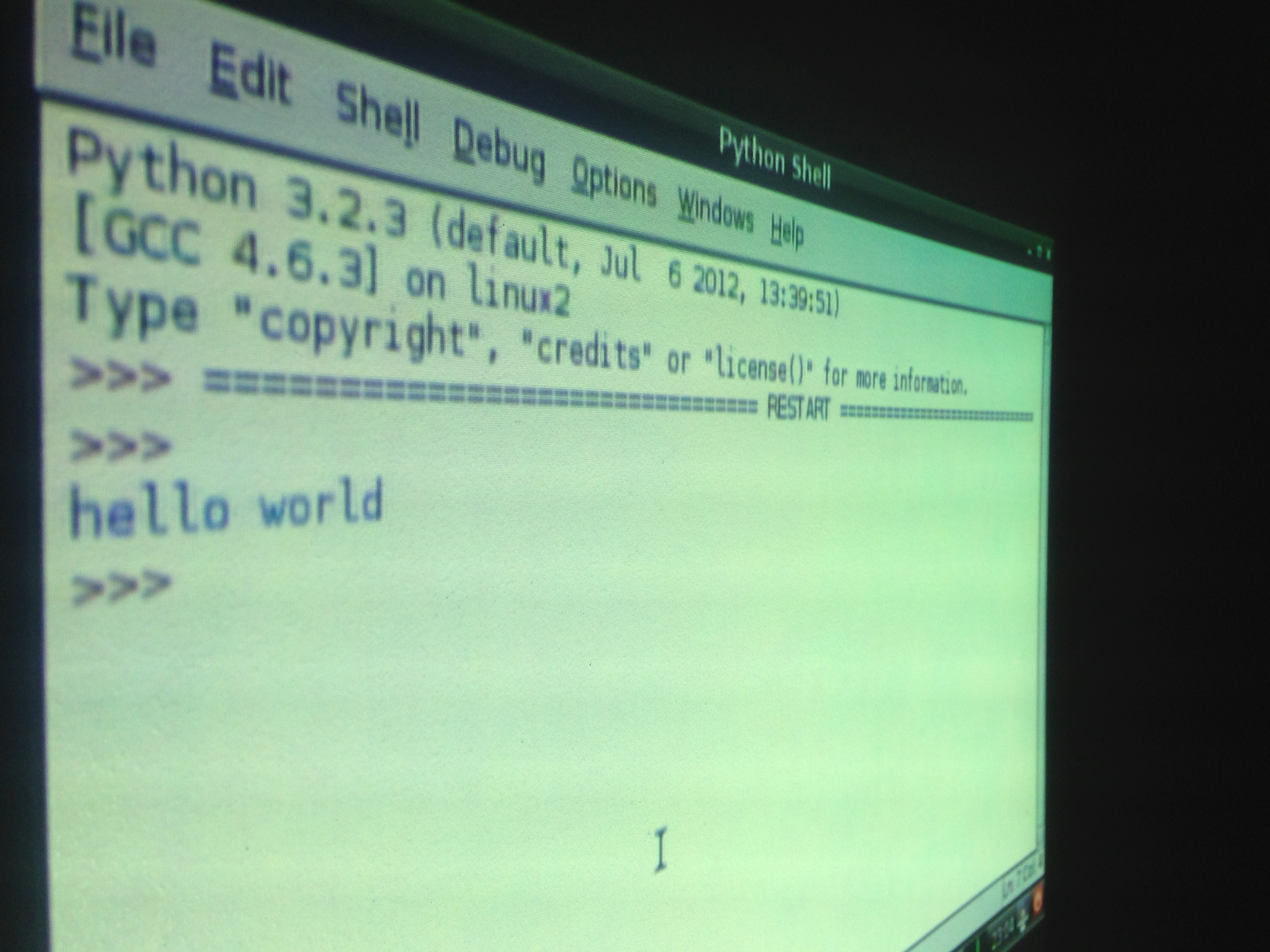
This week was the first time we got down and did some programming. Hence the photo at the top of this post! We are going to be using Python (of course!) as the language of choice.

The resources I am using are:

Python Resources

I also plan to teach Python to Year 8 and 9 after Easter . 

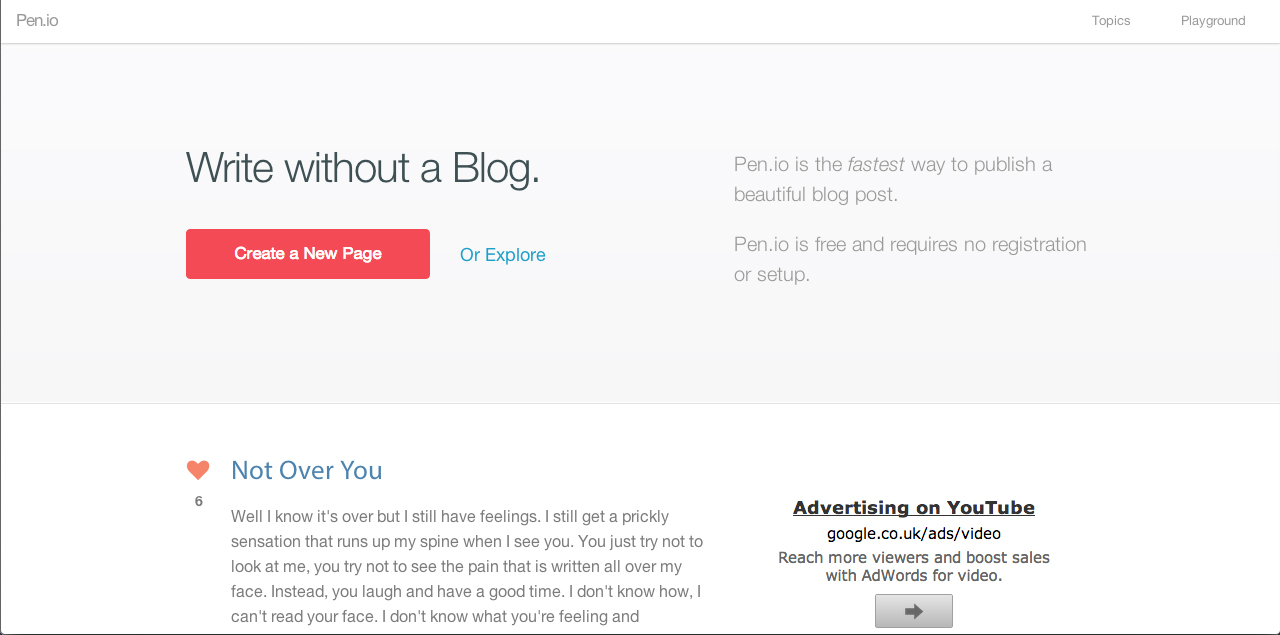
Blogging using HTML in pen.io (Full Project)

pen.io

pen.io

By Mike Britland

Click here for the project

In the interest of pushing the ICT curriculum into the 21st Century, I have developed a SoW that aims to incorporate two facets of digital literacy and computer science; blogging & coding.

The unit of works asks students to produce a blog on a subject of their choice, they are required to research the topic and log all research in the correct manner. Logging and commenting on the validity of the information that is found is an essential area for assessment. This can be adapted so students need to comment at greater length on copyright issues.

Students present their blog using the free blogging site pen.io. This site is fairly unique, as students need an understanding of basic HTML and CSS in order to present work in an interesting manner. For instance, students will need a basic understanding on HTML in order to change the font size/type/colour/style. The site also tests students ability to organise work as they need to develop a navigation system for the their blogs.

The unit was originally taught in year 8 but the nature of the skills tested make the SoW scalable. Therefore, the more advanced use of HTML/CSS taught or used allows the unit to be taught to higher year groups.

This unit fits perfectly into the proposed draft programme of study for KS3 as it covers creative use of ICT and coding.

Follow Mike on Twitter:  @mikematthewsCDN

Using the iPad in Music Lessons (FLStudio App)

Jason, a music teacher at my school has started using our iPads in his music lessons.

I popped in to have a look and I have to say it looked excellent. I wish I could have done this when I was at school. The kids really enjoyed it and could really see the value in using iPads in Music lessons.

When I spoke to a couple of students they told me that the iPad helped to develop their understanding of a rhythm.

Jason’s objectives for the lesson were:

  • To understand how a step sequencer works – to understand how the screen is arranged in beats and how those beats are divided up
  • To understand rhythm written in traditional notation – to prove understanding by reproducing that rhythm on the step sequencer
  • To create own rhythm from scratch and to write it using traditional music notation

ICT/Computing Projects 2012-2013 – Initial Thoughts Pt 1

Keyboard

It is only January and I am already thinking about next year.  The job of a Head of ICT is never done! 😉

However, before I think about new projects for next year I want to release version 1.1 of Mr Britland’s ICT Curriculum. I am aim to have this done by February. The plan is to add the following:

  • Curriculum Strands

Digital Literacy
Digital Citizenship
Digital Creativity
Computer (Digital) Science

  • Aims

Keep an eye on my blog for the new update.

So? What about next year? Well…at the moment as an initial thought I would like to add a new project. This will be on Computer Networks.

At the moment I teach my year 8 students about computer hardware, key British Computer Scientists and touch upon the four generations of computers. Next year I would like to deliver this to Year 7 and teach Computer Networks to Year 8.

Next blog post coming soon with some more ideas for next year.

Adobe After Effects – Possible Project for year 9

The video above was my attempt to get into After Effects again. I must say, I really enjoyed it.

I may have a couple of lessons after my album cover projects and thought I could get my students to create a video intro using After Effects.

It is quite an intimidating application, but I am confident my students could produce something pretty special.

Will blog about it in a few weeks if I am able to teach it for a couple of lessons.

I used this tutorial for help: http://www.youtube.com/watch?v=RtGrzFCXIAE