iPad

iPad Apps for the Classroom (Presentation included)

iPad

We have been looking into the use of iPads in lessons and considering the possibility of buying a class set as a trial.

I am excited about this and think its a great move forward.

However, how will we use them? What Apps will we use?

As many people do not own one and some have not used one I thought it would be a good idea to put together a list of Apps we could use. Rather than simple say they need to be used for this lesson or that lesson, I thought it would be better to just say what the Apps can do. This way, people can come up with their own ideas.

This list is not definitive and there are a loads of Apps I could have mentioned. It just contain information on several Apps I think would be great for the classroom.

The Google Docs presentation is below. You can view the Sky Drive version here.

iPad mirroring on your Mac with the Reflection App (Video)

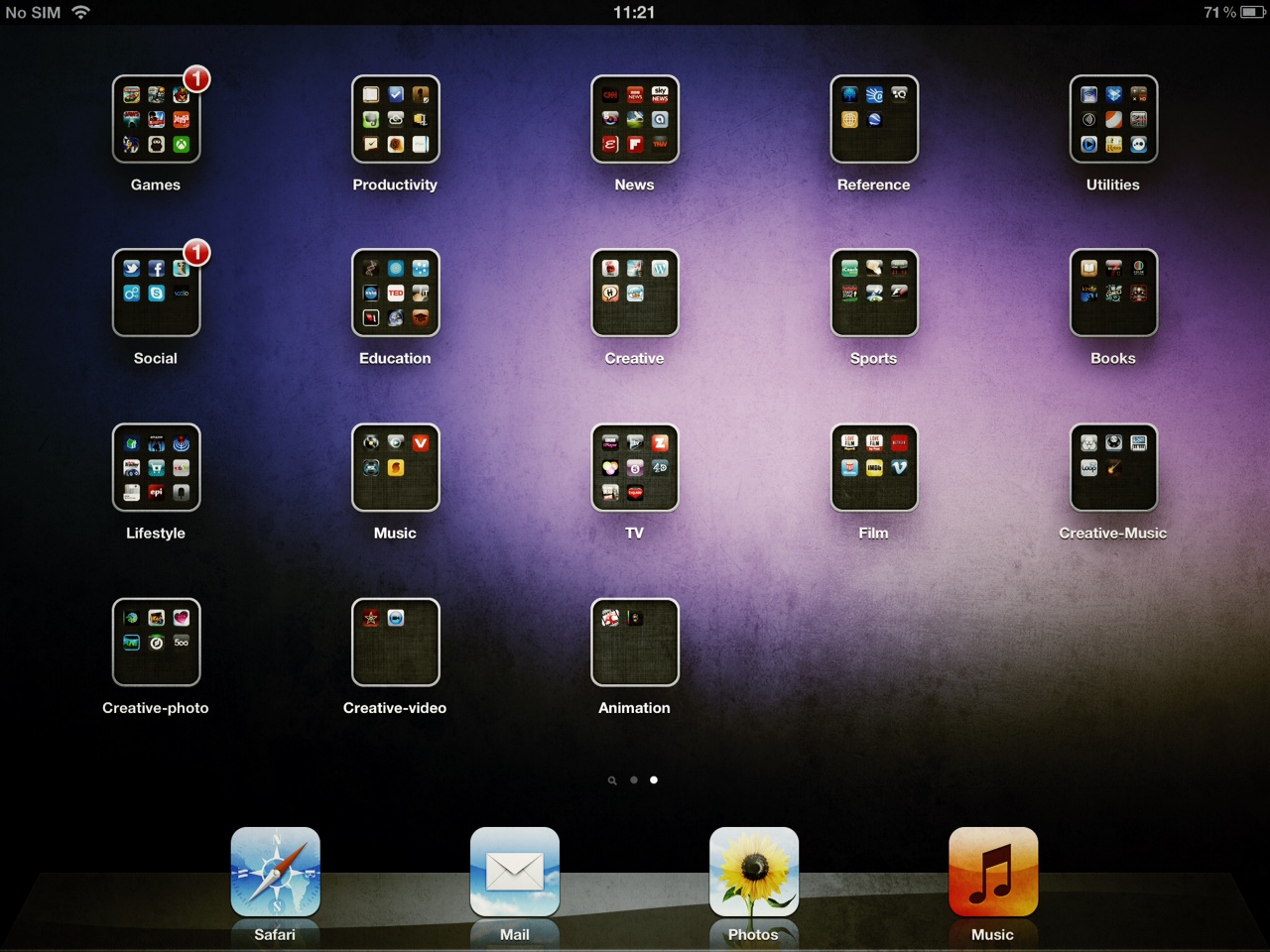
iPad screenshot

I first read about Reflection from the AppApvice website at the beginning of March. It looked great but I did not get round to downloading it.

A few days ago Gavin Smart, who I follow on Twitter recommended it on his blog.

This was the excuse I needed so I downloaded it. I must say, its really good. There have been a few issues, one of which was the App crashing when viewing photos in full screen. This does not always happen, and I have a feeling it may have something to do with my Mac.

I have always wanted a cheap and easy way to create iPad screencasts/video tutorials and I think I have found it.

The App can be downloaded from HERE and is $14.99 for a single licence.

I have knocked up a brief video overview of Reflection which you can see below. I used QuickTime to record my screen, but using something like Camtasia or Screenflow would be better if you wanted to create polished screencasts. However, you could always import your QuickTime video into one of these application afterwards.

Edmodo – Do you need to pay for a VLE? (presentation included)

I am sure that there are very few people who have not heard of Edmodo by now. However, for those who haven’t, or who are not sure what it is; I thought I would include a very brief overview.

Over the last few years I have used several expensive learning platforms and VLE’s. In my experience they have been overly complicated, time consuming and often did not do what the school wanted. Without going into too much detail, I know two schools who have both purchased a very expensive learning platform and instantly regretted it. Luckily they managed to get their money back. I can imagine these were the lucky ones.

I started using Edmodo a while ago and I have not looked back. Its fantastic, does pretty much everything I want, its easy to use and best of all its free.

Some will say its simply a stripped down VLE, I would say it is just streamlined.

Perhaps it is not as advanced as many paid for products, but how many schools actually utilize all the features found in these?

Please have a look at  presentation below. (Click here for the formatted presentation on SkyDrive) It should should give you a brief overview of what Edmodo can do. Hope you find it useful and perhaps it may save your school some money.

Blux Movie – Great new iPad/iPhone HD Video App (Video Clip Included)

Blux Movie

I have just stumbled across a great new video App that really takes advantage of the camera on the new iPad/4s. Its called Blux Movie and allows you to capture HD video and add effects to it in real time.

The effects are pretty sweet and I can imagine there will be more coming.

Once you have captured your movie you can save it to your camera roll. This is awesome as you can go ahead and edit it in iMovie. I can imagine you can create something that looks fairly profession.

As well as saving to the camera roll you can upload to YouTube or Facebook. You can also transfer your video over WiFi.

It is free for a short period of time. If I was you I would download it now!

Have a look at the very quick video I captured using it.