Technology

Is it time to rebrand ICT?

This blog was originally published by The Guardian on 30th May 2012 and is an update of a previous post on this blog.

When I did my GTP several years ago I did next to no training in computing. As we all know the curriculum was very much ICT-based and that was fine with me. The skills I have very much fitted in with the curriculum I had to teach.

Things are now changing. Gove has told teachers that they don’t have to stick to the old curriculum. Over the past year and a half I have been able to teach my own curriculum anyway, as I have moved to an independent school. But it has been made very clear there is a need to teach computing in schools before KS4.

I agree this should happen, and it’s very exciting. However, it is also quite intimidating. I have spent almost seven years (including my training) teaching ICT with very little computing. Where do I go from here? Well, I have already started teaching visual programming usingKodu. I am also in the middle of writing a computer science scheme of work to be delivered next year. This will teach students how computers, smartphones and tablets work.

Is this enough? Like many ICT teachers I do not have a lot of curriculum time compared to other subjects. It would be a shame if state schools were forced to drop ICT and only deliver computing because of a lack of time. In fact, we would be doing our students a disservice.

Like many others I need guidance.

My biggest worry is programming. The reason I didn’t choose programming at university was because I find it very difficult. For me it is like learning a new language. I am very much of the opinion programming is not for everyone. Although, I understand it is very important.

I am sure there are other teachers like me who do not program. If the government want programming in schools they are going to need to stump up some money for training courses.

There is a danger that if teachers need retraining, courses will be supplied by large corporations like Microsoft or Google. Can we trust them to give teachers the training they need or will they simply take the money and create training that directly benefits them?

However, over the last few weeks I have been using Codecademy to learn Java Script and to become more proficient in HTML and CSS. This is free and has been fantastic. Hopefully, this will allow me to deliver more programming next year. Perhaps we do not need to pay for training and we can train ourselves?

If all students were taught to be programmers throughout their school lives would we find masses of them out of work? There are only so many jobs available. The people who will benefit the most will be those paid to write computing courses.

There has to be room for both ICT and computer science.

Students should able to choose between the two, certainly at KS4 or 5. After all students are able to choose which languages they learn or sciences they study.

We need both to be exciting and engaging. Teachers in different schools need to be sharing resources and schemes of work. Many are already, certainly the teachers I know. If we are to change the way ICT is perceived we need to be constantly evolving. If we want to incorporate computer science into schools we need innovative ways to teach it communicated to all.

Conferences like the Guardian Teacher Network’s Teaching Computer Science in Schools are important ways for people in education to get together and discuss what the future holds. These are great as long as teachers are allowed to get time out of school. I fear many may not.

I would also very much like to rebrand ICT, for me it is old fashioned. Perhaps “digital literacy” would be more appropriate?

There are several teachers who I follow on Twitter working on Digital Studies. Is that the rebrand we need? I don’t think there is one answer but I would certainly like to rebrand ICT at my school.

In conclusion, I am looking forward to including computer science into my curriculum. It is intimidating but a great opportunity for personal development. Now I must find the time to teach myself what I now must deliver. Finding the time in an already incredibly busy job may be toughest task of all.

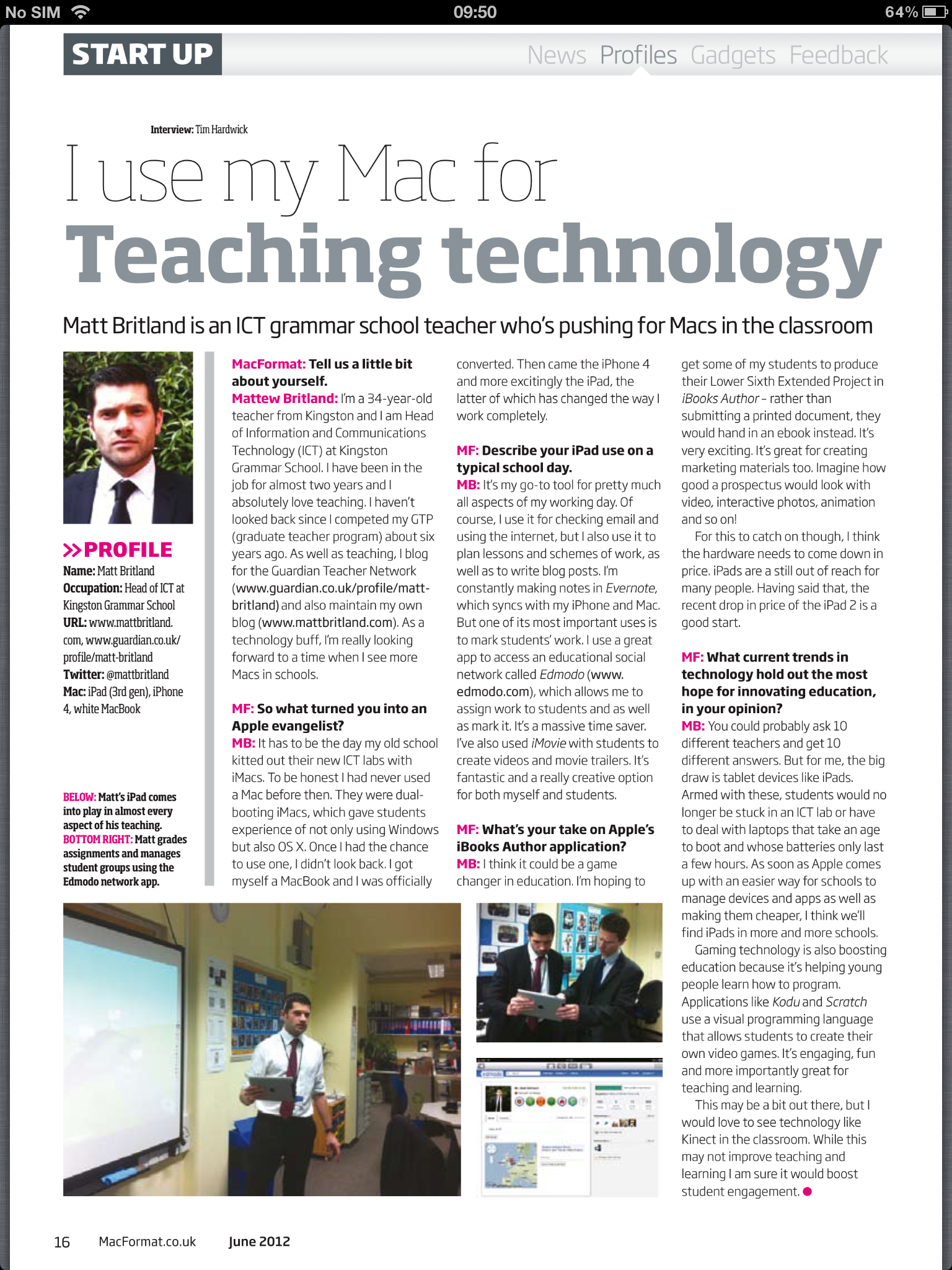
“I use my Mac for…” MacFormat Interview June 2012

iPad

I was lucky enough to do a very brief interview with MacFormat for this months magazine on what I use my Apple devices for.

Have a read below and I would also pick up the June edition as it has got some great stuff in.

Should all Students Learn how to Touch Type?

Are we preventing our students from being productive users of computers by not teaching touch typing? I think perhaps we are.

The question is; who teaches it and when will it be taught?

My thoughts are that it should not be taught in ICT lessons. Being able to touch type goes beyond ICT and is for many, a requirement for everyday life. But then, who does teach it? I don’t have an answer I am afraid, but would love to hear people’s opinions.

Should students have this skill before secondary school? Do we need to teach it at primary level, and can we expect students to be able to adopt these skills so early on? I see touch typing as asking students to write, without actually teaching them how to use a pen.

With the amount of work students do on computers I think that this skill is vital.

There is no doubt in my mind that many students (and teachers) who would find learning this skill very boring. I am pretty sure we can make it exciting. Especially with the adoption of gamification.

I am not suggesting that typing is now more important than writing, only that it is a skill that warrants teaching.

However, after saying all this, I cannot touch type, but I wish I had been taught. (I am quite fast, but not as fast as I would like to be) It’s on my list of things to do.

There are many schools, I am sure, who do teach touch typing. If you do I would love to hear from you. At present I am trying to see if I can work this into the curriculum myself, this maybe the biggest challenge.

Using Facebook Groups in Schools

In my experience students  have never been brilliant at checking their school emails, especially the older kids. This makes communicating with them quite difficult when they are not sat in your class.

A great way to improve this is to use Facebook groups. Now, this presents a problem. The main one being schools tend to be terrified of social networks. Possibly because they do not understand them? However, if you have a forward thinking school you can over come this by showing them how useful they can be. Once they are aware of this they may let you give Facebook groups/Twitter a go.

The reason I wanted to use Facebook groups is that many students check it everyday, more often than not several times a day. In fact, much of the time they are using their smartphones rather than a computer to access their profile. It Almost makes filtering Facebook in schools a bit pointless.

Facebook is a smarter, faster and more efficient way of communicating.

This is why I wanted to pilot the use of Facebook groups at school.

So how did we do it? Well, firstly and rightly so, the teachers (myself included) did not want to use their personal profile to set up groups.

This is what we did:

  1. Set up a school Facebook profile (using a separate email address)
    • The name would be the initials of the school then the teachers surname.
    • Once we had set that up we would go through all the privacy setting and make sure they were locked down. (Although the profile would essentially be blank and contain no personal information apart from maybe a profile picture of some variety)
  2. We would then add other school profiles (not personal profiles) as friends so we had a little network going.
  3. Create a private group. (Private groups mean others can see who is in the group, but not what is written in it)
    • To create a group you must add at least one person. Teachers added me as I was running the pilot.
  4. Once that has been done the owner of the group can then email the group URL to the students they would like to join. The students then make a request to join and the teacher can accept.

Doing it this way means that at no point does a teacher need to be “Friends” with the students and all communication is carried within the group.

The trial has been very successful and I have now got more teachers involved.  I have found using groups has:

  • Improved communication
  • Allowed teachers to share important information quickly
  • Share resources like videos and links quickly.
  • Carry out polls
  • Create documents
  • Embraced the technology students are using

We have set up Facebook groups mostly for extra curricular activities such as:

  • Sports
  • Duke of Edinburugh
  • Houses
  • School expeditions
  • Clubs

However we also set up accademic groups, which have also been sucessful.

Things to think about:

  • Ask permission from your school
  • Remember you need to be 13 to have a profile (I know students do have them when they are younger but they shouldn’t)
  • As a teachers and owner of the group you must remember to moderate all of the posts
  • Do not make “Friends” with students, even on a empty school profile.
  • If you are overseeing Facebook Groups make sure you make a list of all school groups. You really need to be aware of how many school groups you have.

I hope this has been useful. There are probably other alternatives to this method but this is the way I have used and it works very well.

iPad Apps for the Classroom (Presentation included)

iPad

We have been looking into the use of iPads in lessons and considering the possibility of buying a class set as a trial.

I am excited about this and think its a great move forward.

However, how will we use them? What Apps will we use?

As many people do not own one and some have not used one I thought it would be a good idea to put together a list of Apps we could use. Rather than simple say they need to be used for this lesson or that lesson, I thought it would be better to just say what the Apps can do. This way, people can come up with their own ideas.

This list is not definitive and there are a loads of Apps I could have mentioned. It just contain information on several Apps I think would be great for the classroom.

The Google Docs presentation is below. You can view the Sky Drive version here.

My 1st day back – Disaster! Software not working!

It was my 1st day back at school today (yes, I know most people went back last week) and  have been looking forward to delivering my new Kodu scheme of work.

Over the holidays, as I am sure some of you have read, I spent 2 weeks creating resources for it.

I had 4 classes today that I intended to deliver the 1st lesson to. Period 1 and the 1st class came in. I explained the project, the learning objectives and the purpose of using Kodu for programming. Now it was time to the next step:

“OK folks, now its time to open Kodu and have a proper look.”

It didn’t work! The software refused to start! Not a great first day back. Four lessons planned and I could not deliver any of them as I had hoped.

What can you do when this happens? Panic? Cry? Get angry?

You have got to be composed and think on your feet.

Luckily I have a number of resources and websites available in just such an occasion. I would advise every teacher to make sure they have the same. Most teachers, I can imagine, do already. One website that is really useful for KS3 is www.reviseict.co.uk, there are some great revision games on there for students.

By period 5, the 4th lesson I was supposed to deliver Kodu, it was up and running. The technicians were great and dropped everything to ensure the software was working correctly. I was a very happy man.

I have to say, I really enjoyed teaching Kodu. It is great fun and really engaging. The students loved it too! The feedback was great, plus many of the students stayed in at lunch to work on their programs.

After an initial disaster I finished work a happy man.